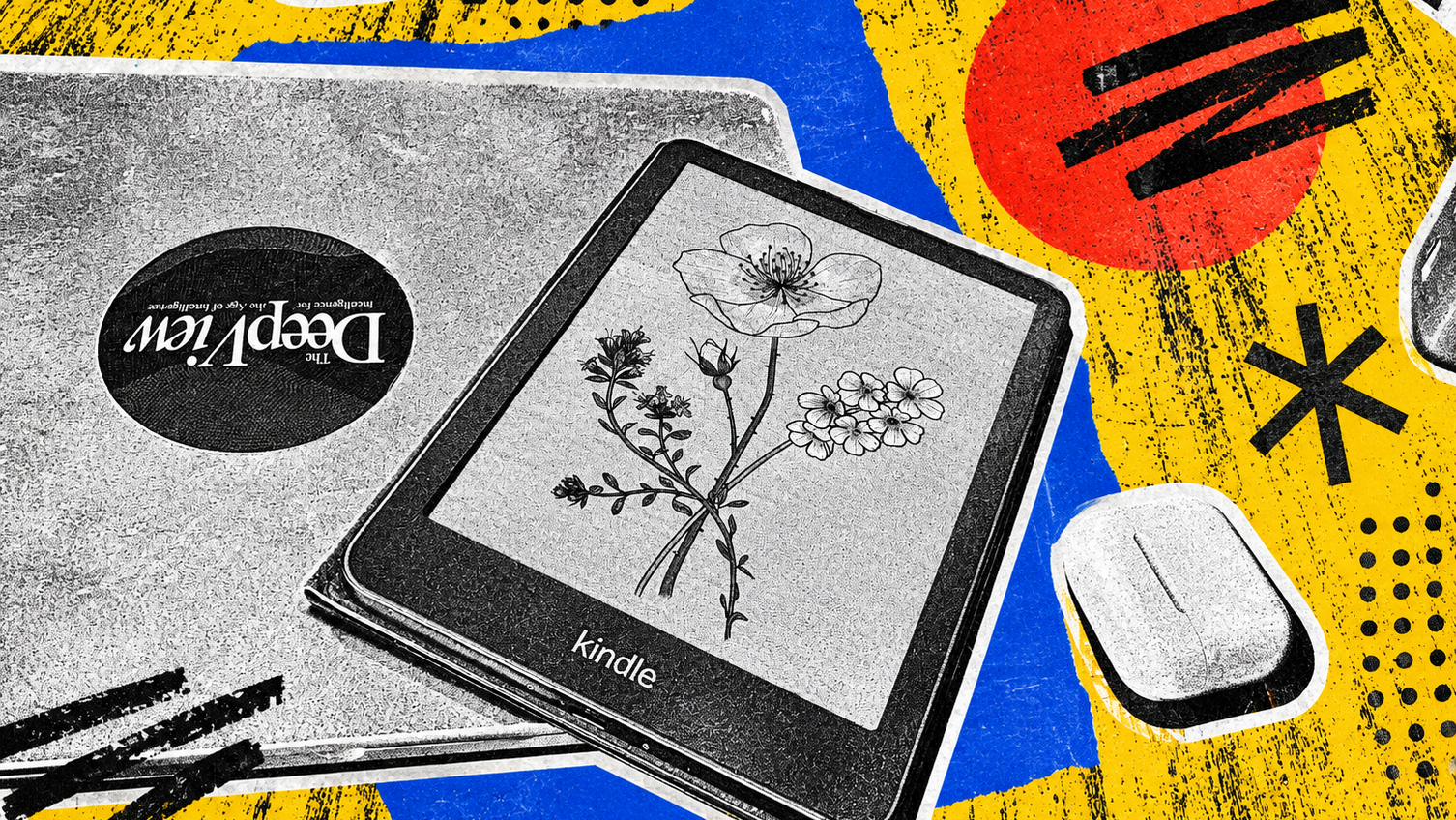
When Amazon unveiled this year's Kindle lineup without AI, the omission was surprising. A few weeks into testing the device, it feels like a quiet act of genius.
The Kindle Colorsoft is a more premium take on the Paperwhite, with the biggest difference being that it can display color while keeping the e-ink experience. This year’s edition tackles one of the biggest trade-offs of color e-ink displays: contrast. The redesigned display includes a light guide with nitride LEDs that enhances color and boosts brightness without washing out details, an oxide backplane with custom waveforms that delivers higher contrast in both color and black-and-white content, and reverse printing technology that enables edge-to-edge color across the screen.
While black-on-white still isn't as crisp as on non-color alternatives, this device offers a significant improvement, allowing users to highlight text in different colors and see book covers in color. The Kindle Colorsoft is also lighter and thinner than predecessors, which is an added bonus for reading on commutes. The flush, edge-to-edge glass display layer is also a nice upgrade to create a more seamless experience.
Additionally, I haven't had to charge my Kindle once since I started reviewing it, reading over 300 pages across multiple sessions. Amazon claims up to eight weeks of battery life on a single charge.
Most importantly, my time with the Kindle made me a believer. I was a holdout for a long time, as my foldable smartphones have an 8-inch screen available right in my pocket, so I didn't want to carry yet another device for reading with a 7-inch display that could only fulfill one use. However, having a device that was completely removed from all notifications and tools, AI chatbots included, made all of my curiosities have to wait until I was finished reading, which I found incredibly valuable.
Until now, I’ve been e-reading on an iPad decked out with a matte screen protector, Magic Keyboard, and Apple Pencil, the device effectively doubling as a mini laptop. Naturally, this came with many distractions, an issue which I hadn't realized before testing the Kindle. It also made me the target customer for the Alexa 12 Pro and its pencil, keyboard folio, and matte screen. Using it showed me what my iPad setup was missing: Kindle Sanctuary.
Designed to mimic a real Kindle, Kindle Sanctuary silences notifications, reduces blue light, and stretches battery life to up to 20 hours. The distractions are still a tap of the home button away, but it makes staying in the flow a bit easier, and again, I didn’t miss AI as part of the experience. If anything, I wish I could dial back the Alexa integration. I’m not sold on the Alexa widgets cluttering the top-left and bottom-right corners of my home screen.
Testing the tablet has left me with a few thoughts. For one, I never want a screen that is not matte again (a sentiment I also felt with the iPhone Duo). Additionally, it is a solid tablet at a very reasonable price point of $550 for 128GB, and Kindle Sanctuary needs to be brought to the app across any device. My biggest takeaway: With AI integrations taking over a growing number of consumer devices, some things are better left simple.