



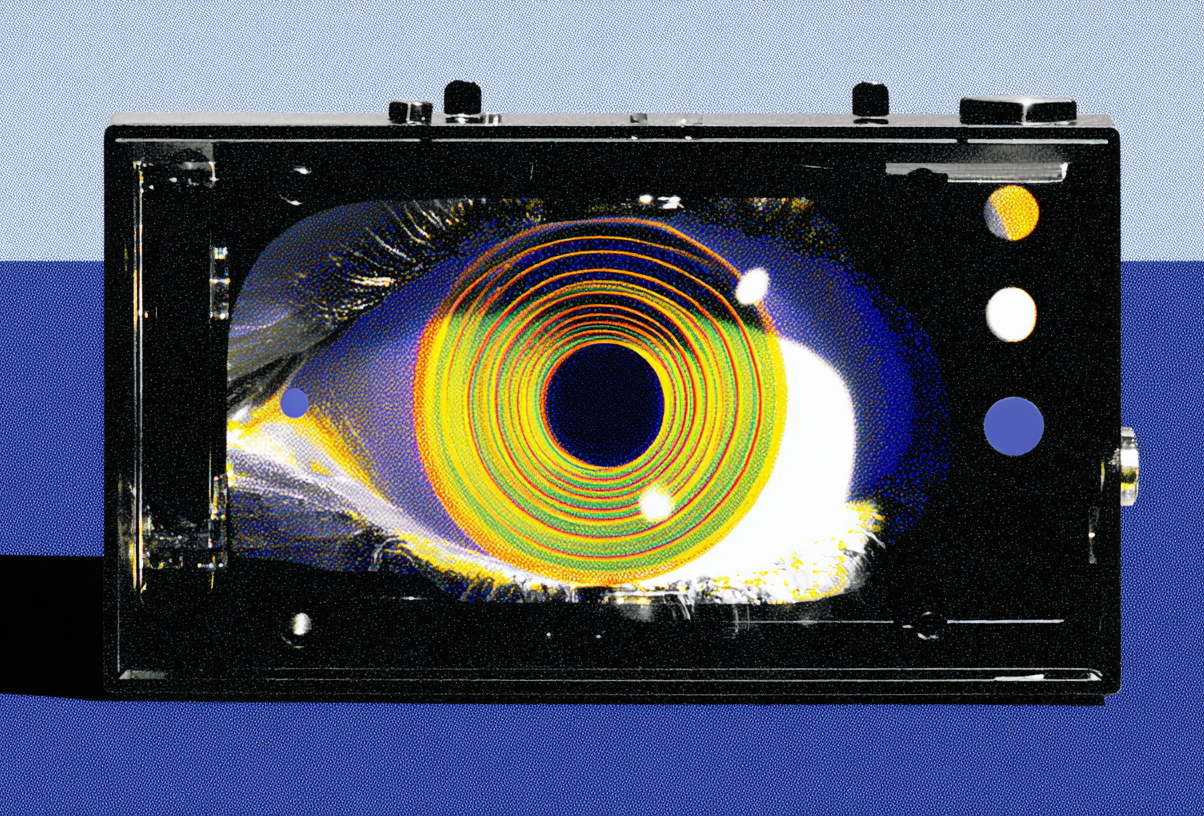
AI models have long prioritized text over images. Google's new agentic model changes that.
Agentic Vision in Gemini 3, unveiled Tuesday, combines visual reasoning with code execution to actively understand images. Google explains that typically AI models like Gemini take a single static glance at the world and then if they miss a detail, will compensate with a guess. Instead, Agentic Vision in Gemini 3 “treats vision as an active investigation,” according to the tech giant.
The results speak for themselves: Gemini 3 Flash with code execution performs up to 10% better across most vision benchmarks including the MMMU Pro, Visual Probe, and OfficeQA than just Gemini 3 Flash alone.
Here’s how it works:
- Zooming in: Instead of just taking a single glance at an object and missing some details, Gemini 3 Flash is trained to zoom in when fine-grained details are detected.
- Annotating images: With Agentic Vision, the model can annotate images, going a step beyond simply describing the image but also executing code that draws directly on the image to ground reasoning. For example, Google includes a sample prompt in which a user asks Gemini how many fingers are on an image of a hand. Agentic Vision uses Python to draw boxes over every finger it identifies, then assigns it a number to produce an accurate final answer.
- Plotting and visual math: While standard LLMs typically hallucinate during multi-step visual arithmetic, according to Google, Agentic Vision can “parse through high-density data tables and execute Python code to visualize the findings.” his means it can analyze a data table and convert it into other mediums, such as bar charts and graphs.
In practice, for example, Google’s model can more accurately identify the amount of objects in a picture or the small print text on an object, which can then be helpful on its own or used as context to answer broader questions or help with bigger tasks.
Agentic Vision is currently available in the Gemini API in Google AI Studio and Vertex AI. Non-developers will also be able to access it in the Gemini app by selecting “Thinking” from the model drop-down, where it is currently rolling out.