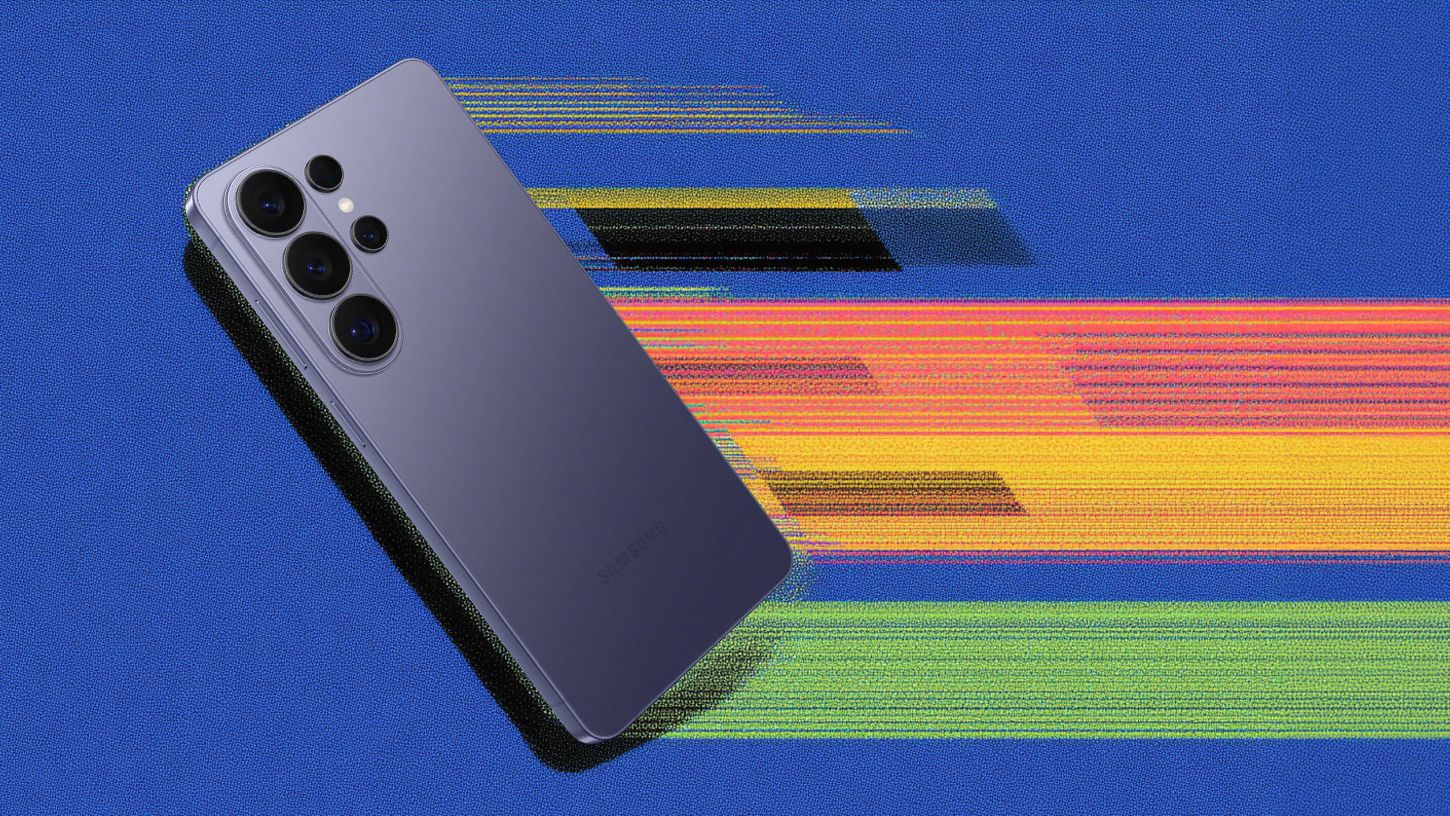



The biggest barrier to AI adoption isn't the technology itself. It's having to use yet another tool, and smartphones with built-in AI offer a solution. The question is whether they can bake in features that are genuinely helpful and worth using every day. I spent the past month testing the Galaxy S26 Ultra, focusing just on that.
Since its early March launch, I have had the opportunity to get to know the AI features on the S26 and have given them enough time to get to know me. Ultimately, the features were additive, in small and big ways, and, best of all, I found them to be mostly non-distracting.
But before I run through the list of all of the AI features, it is only right that I dive right into perhaps the one people have been most excited about: the task automation feature powered by Google Gemini.
Is the S26 truly the first agentic phone?

With Google’s Task Automation feature, Samsung Galaxy S26 and Pixel 10 users can take advantage of the hottest trend of 2026: AI agents. And here's how it works. You can ask Gemini to perform a task, and the AI will figure out how to do it, taking all the necessary steps, so all you have to do is approve it. At launch, the feature wasn’t available, but with a March 11 update, it finally rolled out to users. The verdict? It does indeed work, exactly as intended.
For instance, if I tell it to order me an Uber to a specific address and in a specific class, such as “Order me an Uber Comfort to 123 Boyfriend Lane in Brooklyn, NY,” it is able to click through all the options, so all I have to do is push the button to approve it. This can extend to other apps, such as placing a coffee order with Dunkin' Donuts or a food order with DoorDash, though these take extended prompting due to the added options.
Does it actually save you time? Not exactly. Gemini still needs to process what you said, navigate to the app, click the buttons, and then you approve it. But the real potential emerges when you walk away, because the time you would have spent clicking buttons can now be used for other tasks, such as putting on a coat or looking for your misplaced keys.
It is also fascinating to see a feature attempted by many devices beforehand, including the most notorious, the Rabbit R1, finally work. While TM Roh’s description of the Galaxy S26 lineup as the first true "agentic AI phones” is still a bit too generous, it is true that it is a big step forward in that direction, as Won-Joon Choi, President, COO & Head of R&D, Mobile, Samsung Electronics, told me in a press Q+A last month.
“That's how the automation works, meaning they will understand your [intent], and they will actually figure out you do the thinking. They will figure out what it’s supposed to do,” said Choi. “We want to change the behavior [of] how people are using the smartphone down the road, but this is the first main milestone.”
AI features worth your attention

While Task Automations is the flashiest feature, it is by far the only one. Many others are a testament to an important, often-overlooked bucket of AI features: the ones that are helpful but you forget are even there.
For instance, the new document scanning feature allows users to scan images by simply pointing their phones at them, while AI ignores creases, removes distortions, and completes the photo if it has bent corners. While I haven’t tried it yet, I'm confident it will be useful when I do need to scan a physical photo. Other similar features include:
- Now Nudge: This feature is designed to provide real-time suggestions across any messaging app, integrated into the keyboard. In my experience, the feature kicked in by day two and felt like enhanced autocomplete, making it subtly quicker to send messages.
- Audio Eraser: The audio eraser function is super neat because it lets you reduce background noise in real time on apps like YouTube, Netflix, Instagram, and TikTok. In my experience, it was easy to activate and worked exactly as promised. It was especially useful for social videos in which the background music overpowers the narration.
- Perplexity option: Users can now choose the improved Bixby, Gemini or Perplexity as their AI assistant within the application. Personally, I relied on either Galaxy AI, since it's baked into many of the phone’s AI features by default, or Gemini. But I know many people, including our very own Jason Hiner, enjoy using Perplexity daily, so having the option is a big win for those users.
- Photo Assist: While many Android users already rely on Google Photos, which has had native AI photo editing features for a while, it is convenient to access more advanced AI photo editing tools natively on your device, which you can use to touch up the photos even before you back them up to Google Photos. Having the option added to the native Samsung app is helpful.
I would be remiss if I didn’t mention the AI duds. I haven’t found the Now Brief widgets very helpful since their initial launch on the Galaxy S25 Series, and that hasn't changed, as they don’t offer anything particularly useful beyond my daily meetings and the weather.
Separately, the Call Screening feature, while helpful, always existed. With the latest update, Galaxy AI is supposed to ask who’s calling and why, and show you the response in real time, which I didn’t find added much to the experience.
But how good is the hardware?

While the focus of my product reviews for The Deep View is always on the AI, it is impossible to ignore the hardware that makes it all possible and the overall experience in which the AI features live.
To run AI features smoothly, you need both battery and chipset power, and the Samsung Galaxy S26 Ultra delivers on both. The phone is powered by Qualcomm Snapdragon 8 Elite Gen 5 for Galaxy, and it delivers a smooth performance with no noticeable issues. While it still has the same 5,000mAh battery capacity as previous generations, I was able to easily make it through the day on my average phone use.
One of the most exciting features of the Galaxy S26 Ultra is its Privacy Display, built into the screen, which limits what people can see from the sides. It does so by controlling how pixels disperse light, keeping your content bright, sharp, and comfortable for you while preventing others from seeing it. And unlike traditional privacy films, you don’t lose quality when it’s off; you still get the full display experience.
You can even choose when it turns on, like when you’re entering your PIN, typing passwords, or opening specific apps. There’s Partial Screen Privacy that protects notification pop-ups, and Maximum Privacy Protection that further obscures side views when you really need it. It has been really convenient to have, and I hope other phone manufacturers incorporate it.
Our Deeper View
As seen with nearly every phone launch since 2023, AI has been at the forefront of device releases. Since then, we have seen both ends of the spectrum: the Google Pixel 10 earning wide recognition as the first truly competitive AI smartphone, and Apple drawing significant criticism for announcing a suite of Apple Intelligence features that have yet to launch in the iPhone. The Samsung Galaxy S26 lineup followed the Pixel 10's lead, offering subtle, baked-in AI capabilities that hold up in everyday use, while also introducing a flashier agentic feature that works as intended, even if it's a modest start. From an AI perspective, this is a well-thought-out approach.